
GlowStrip RGB
RGB / 5m
Sale price
$16.95
Regular price
$24.95
Skip to product information



GlowStrip RGB
Sale price
$16.95
Regular price
$24.95
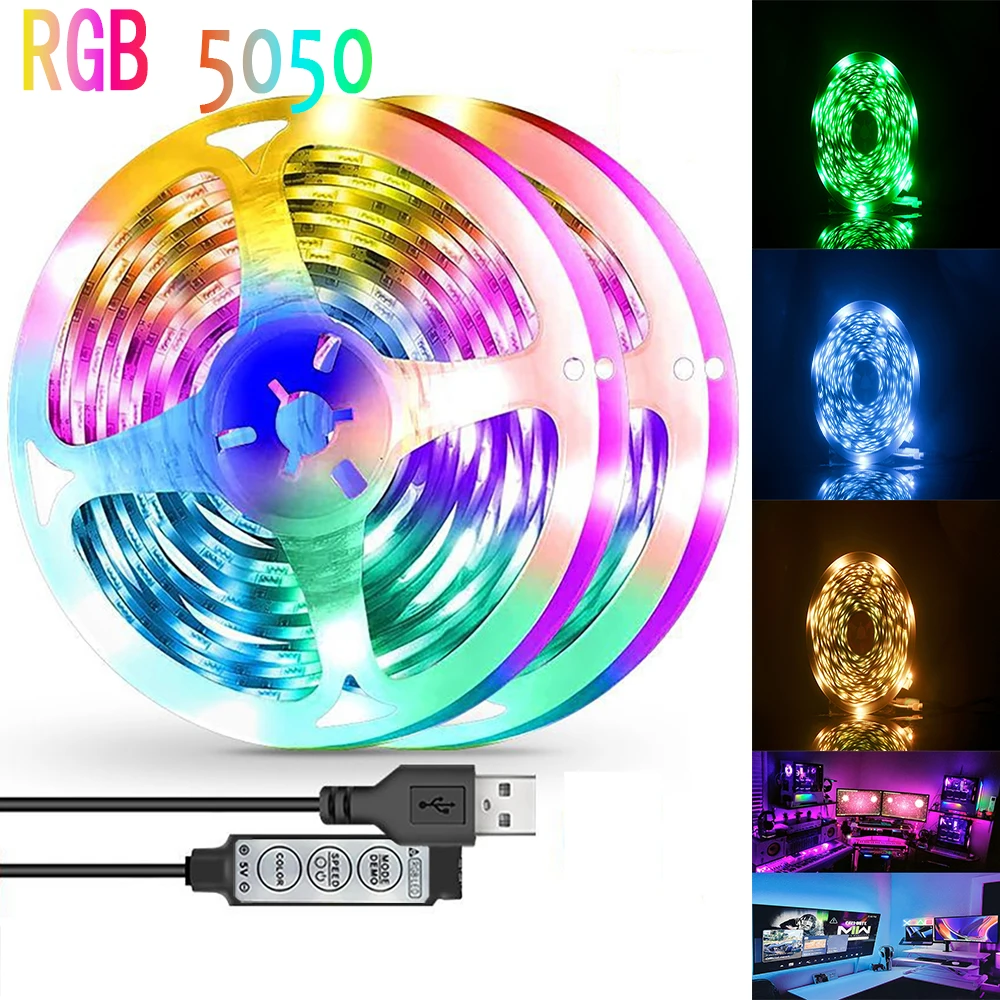
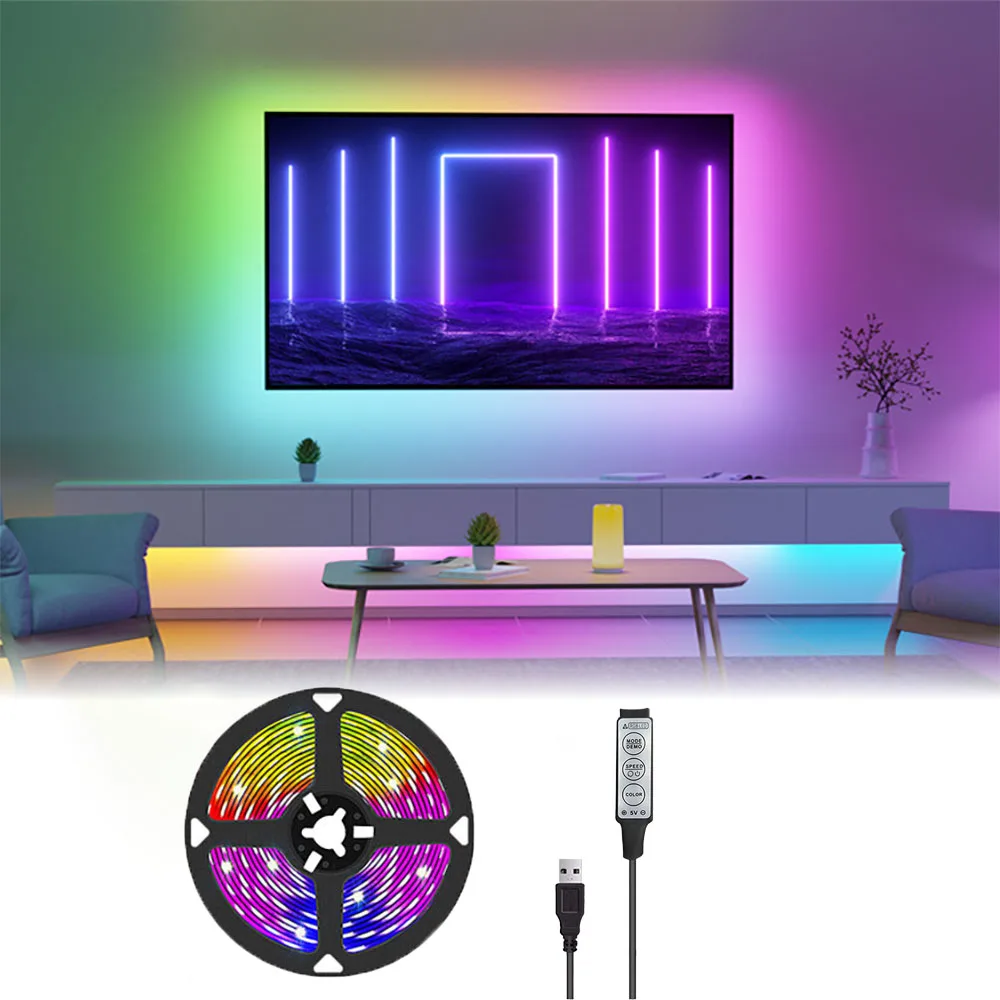
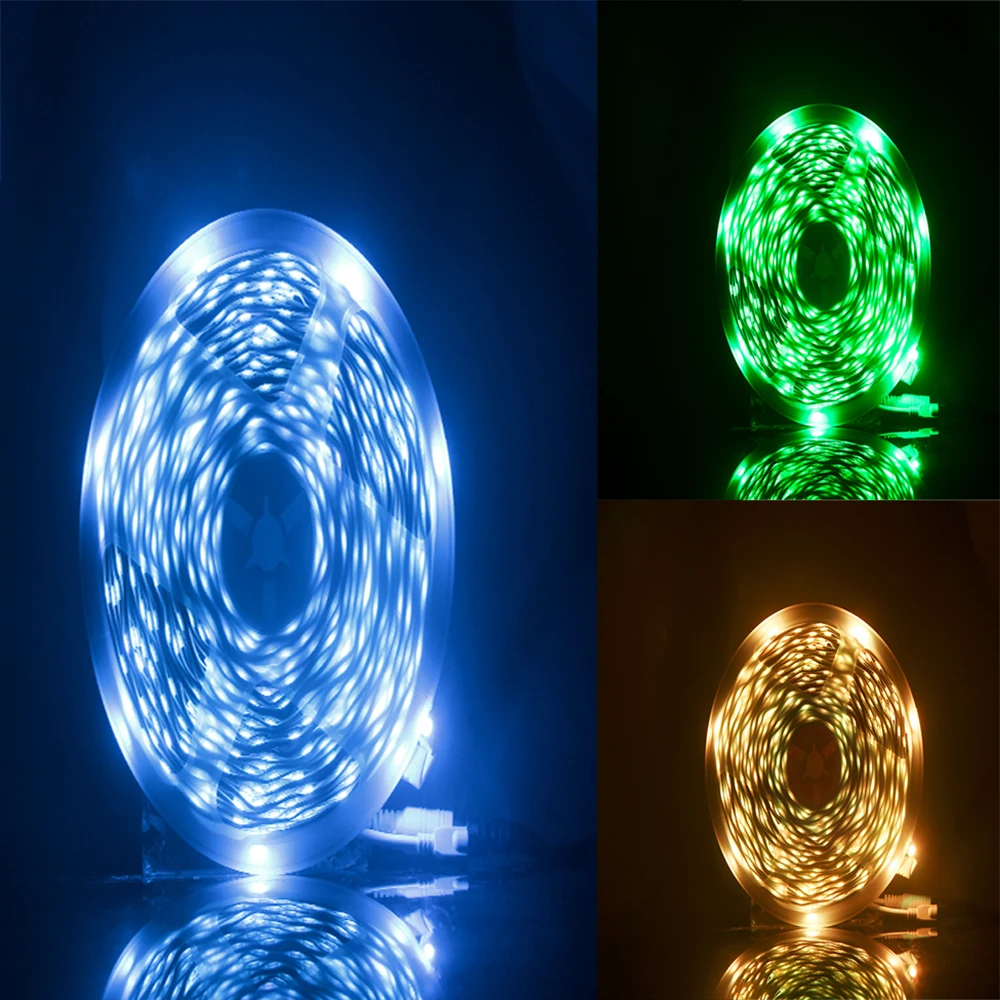
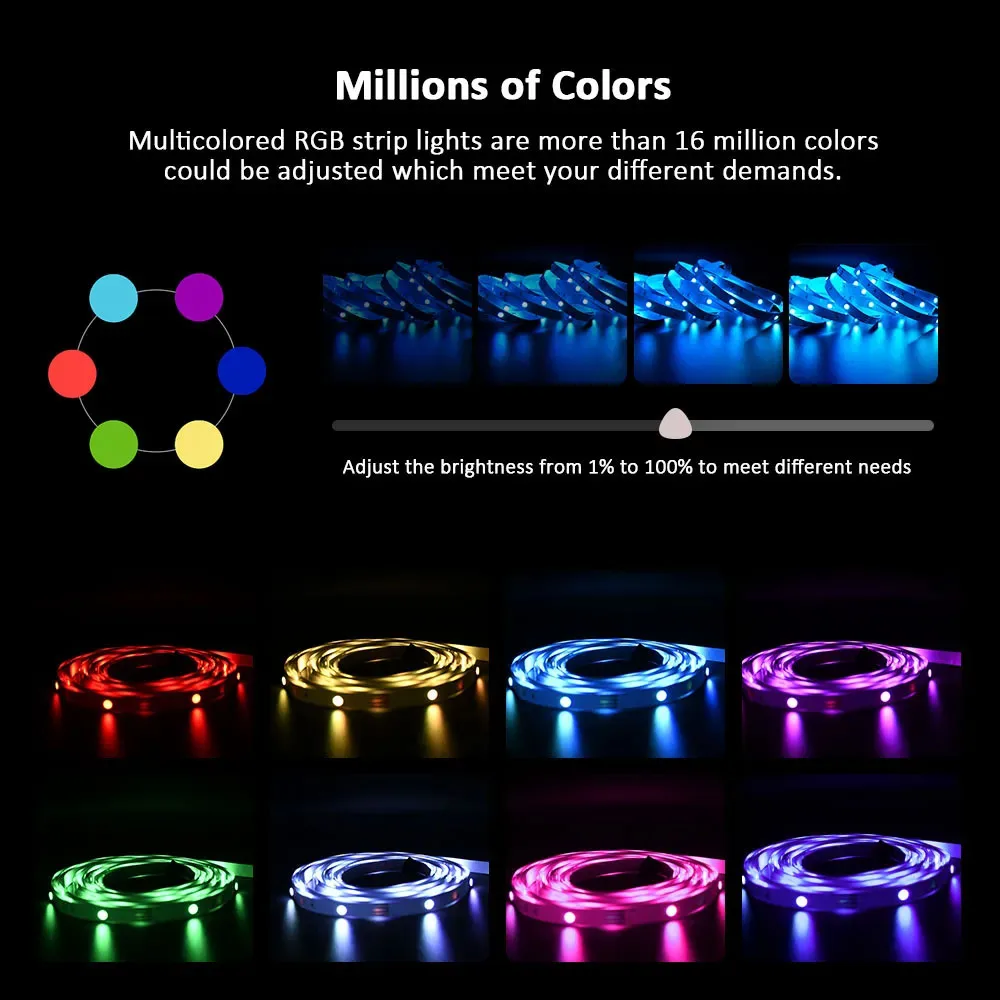
Transform your space instantly with vibrant RGB LED strip lighting designed to create the perfect atmosphere for any room. Whether you’re upgrading your bedroom, gaming setup, living room, or TV backlighting, these flexible LED strips deliver bright, colorful illumination that adds style and personality to your environment. With up to 50,000 hours of lifespan, they provide long-lasting performance while consuming very little power.
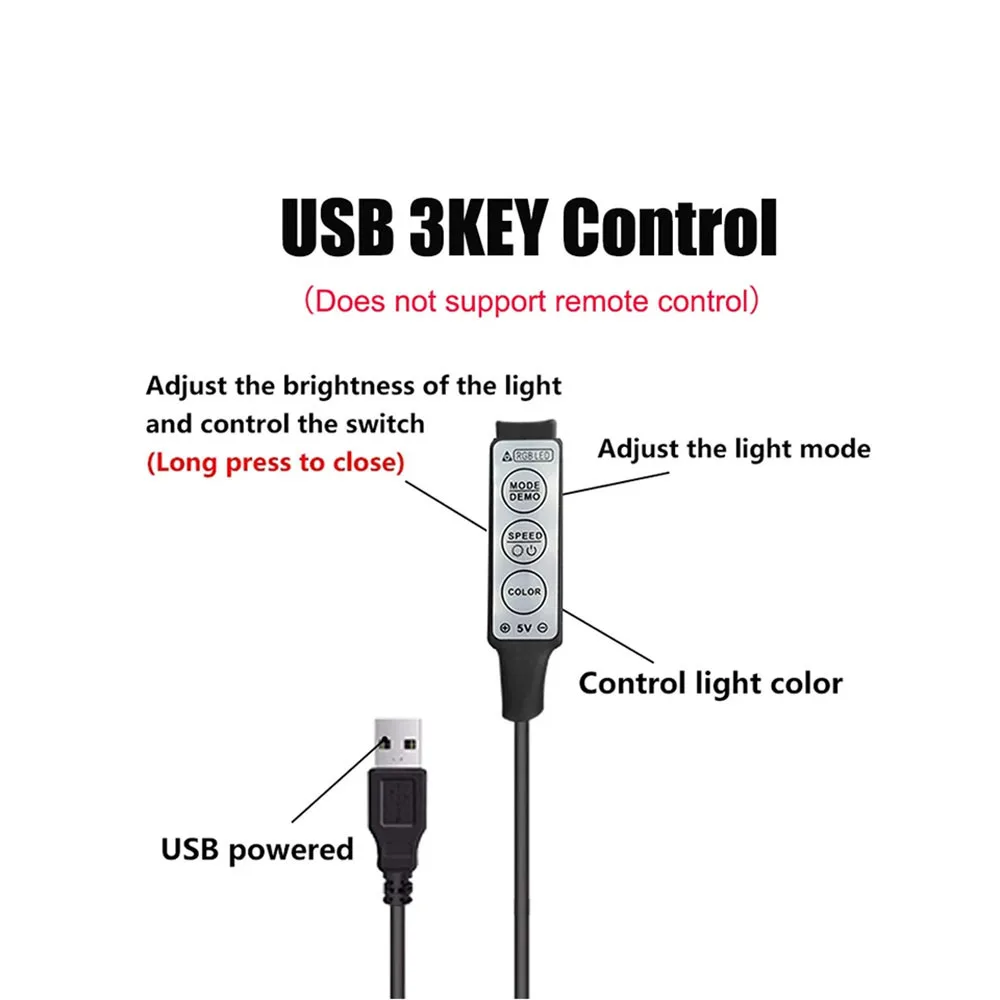
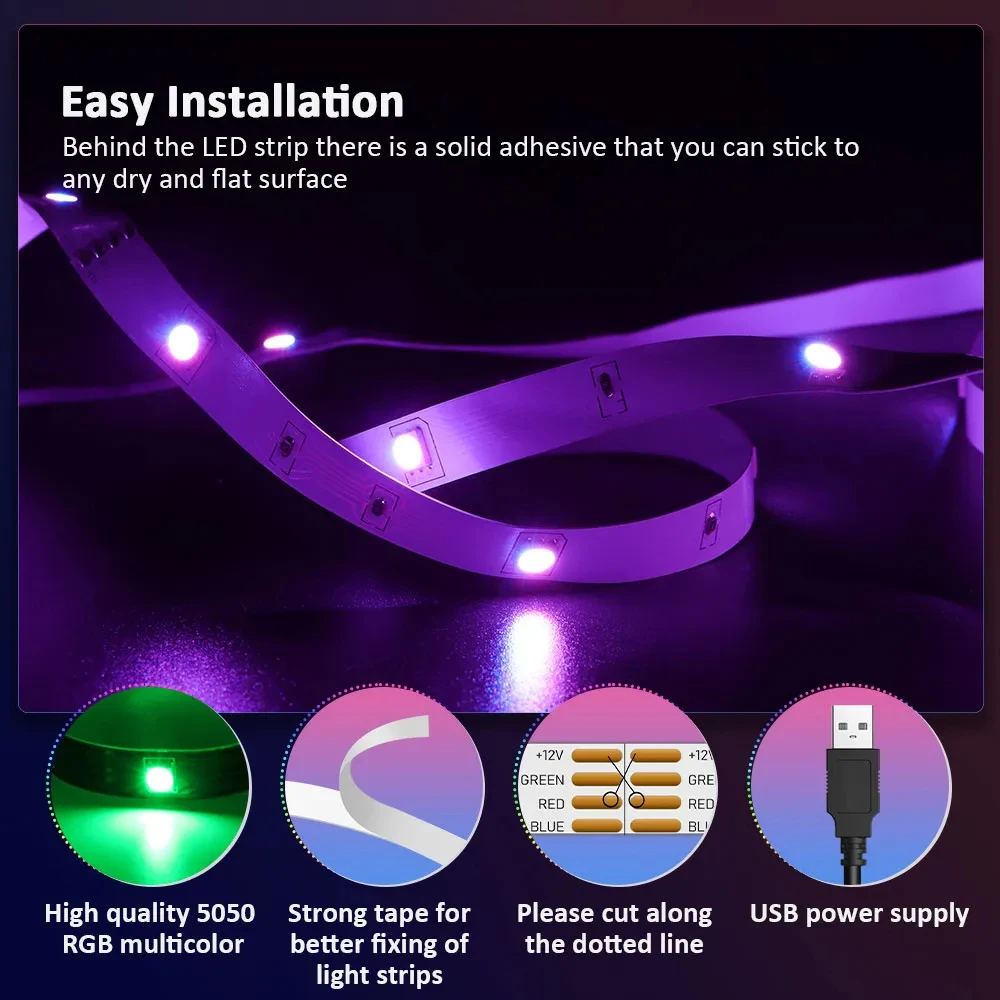
Featuring SMD5050 LED technology with 30 LEDs per meter, this light strip produces smooth, vivid colors and comfortable brightness ideal for everyday use. The flexible design allows easy installation along walls, desks, TVs, shelves, or ceilings, giving you creative freedom to design your own lighting setup. Powered by a convenient 5V USB connection, it’s simple to plug in and instantly transform any space with modern ambient lighting. ✨
Light strips, light strings, LED light bars, fairy lights, colored lights, room decoration
Product Introduction
1. Type: USB LED strip light (reduces eye fatigue and improves image clarity)
2. Voltage: DC 5V (USB power supply)
3. Waterproof: not waterproof
4. LED type: SMD 5050
5. LED quantity: 30LED/M
6. Lamp strip length: 1M/2M/3M/5M
7. Light color: RGB
8. No waterproof IP20
9. Double sided tape self-adhesive back
Application scenarios
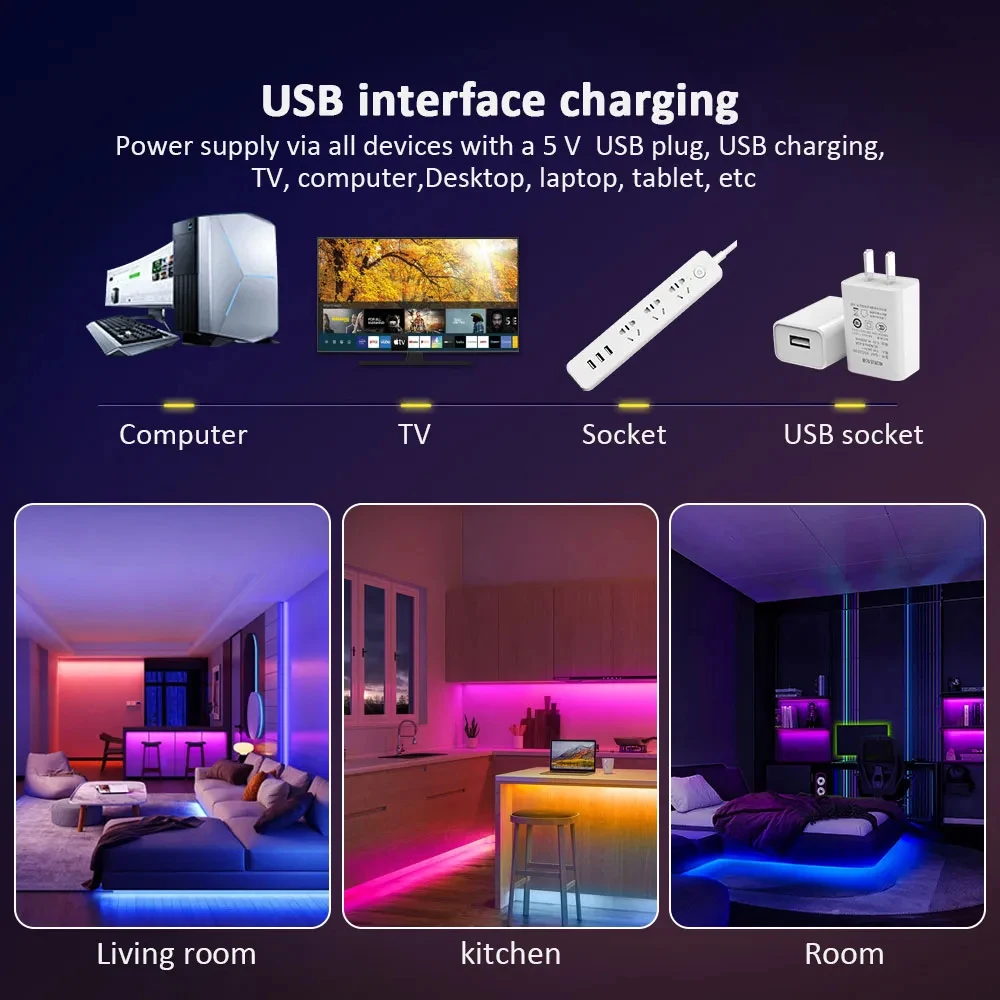
1. Can be used on any device with 5V USB
2. It can also be used by a mobile phone charger/adapter (5V)
3. DIY home lights in corridors, stairs, walkways, and windows, illuminating a rich and colorful home life
4. Flexible tape for bending
5. Architectural decoration lighting, boutique atmosphere lighting
6. Decorative lights for festivals, events, and exhibitions
7. Suitable for car and bicycle decoration, border or contour lighting
8. Driven by any device with a 5V USB output port, such as a computer, desktop, laptop, tablet, label, or car cigarette lighter. etc.
Easy to install
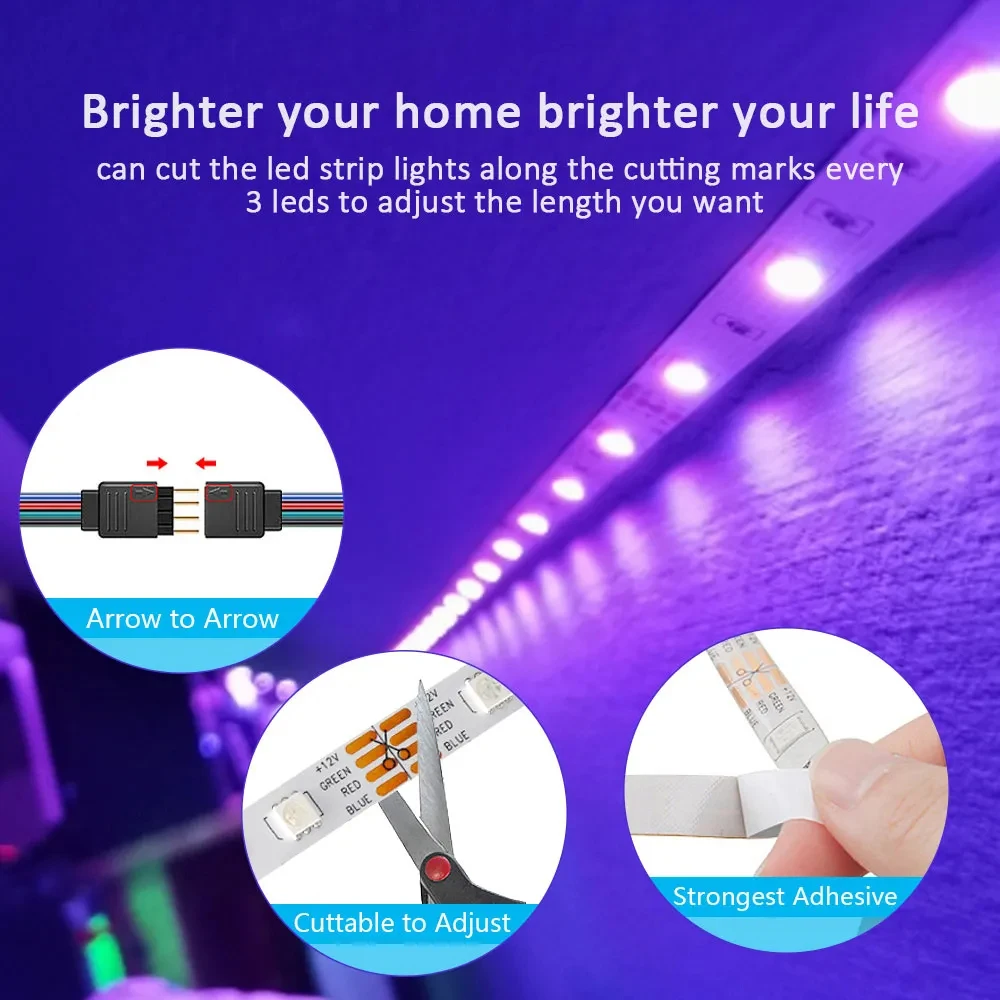
1. Cutting (as needed): Cut to the desired length on the cutting mark (white line) on the strip.
2. Peel off: Remove the backing adhesive from the tape.
3. Press the tape firmly in the desired position and connect the USB to the USB port.